How to Program Your Garage Door Remote: A Complete Guide for Hayward, CA Residents
Why You Need to Program Your Garage Door Remote
Your garage door remote is not just a handy tool; it’s a vital component of your home’s security. In Hayward, CA, where safety is a top priority, knowing how to program your garage door remote can save you time and hassle. Whether you’ve just purchased a new remote, moved to a new home, or simply need to reprogram an existing remote, this guide will walk you through the process step-by-step.
Understanding Your Garage Door Remote
Before diving into programming, it's essential to understand the components of your garage door remote. Most remotes consist of:
- Buttons: Typically, a button for opening and closing the door.
- LED Light: Indicates whether the remote is working correctly.
- Battery Compartment: Houses the batteries that power the remote.
Types of Garage Door Remotes
There are different types of garage door remotes available:
- Standard Remotes: Basic functionality for opening and closing your garage door.
- Keychain Remotes: Compact and portable options for convenient access.
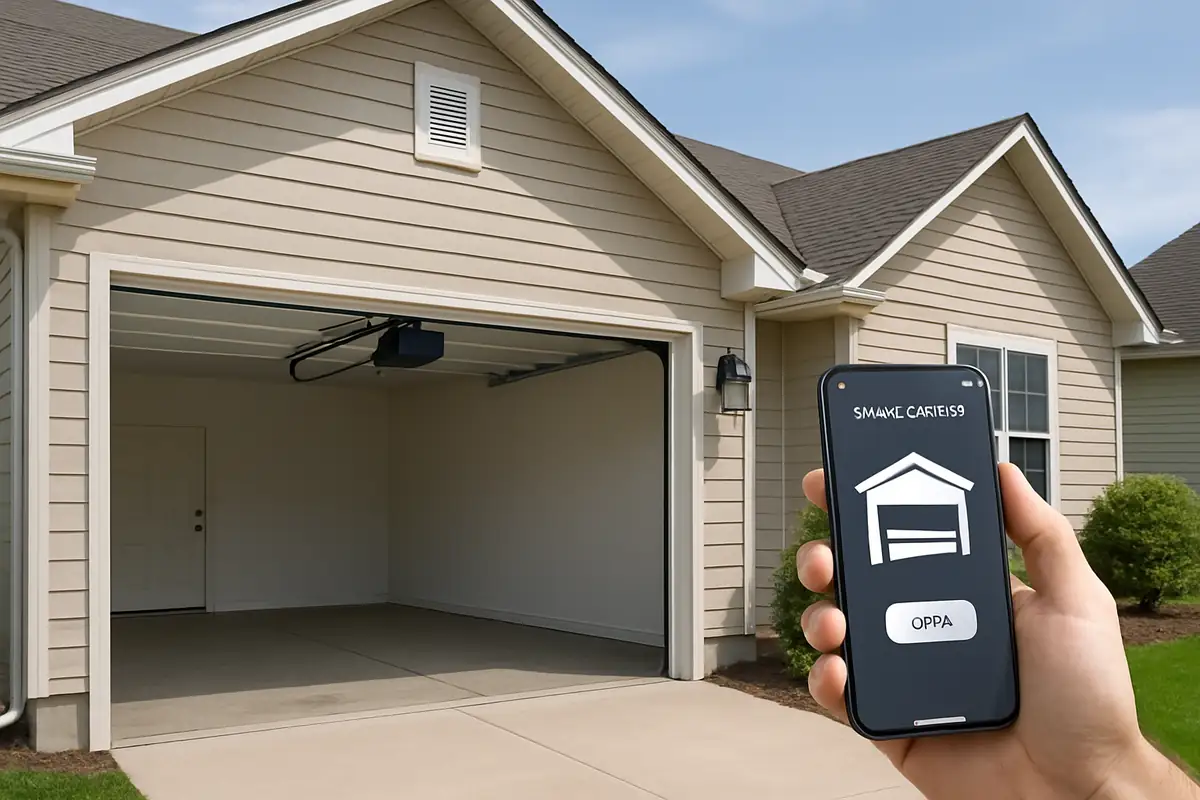
- Smart Remotes: Integration with smartphones for enhanced features.
Steps to Program Your Garage Door Remote
Programming your garage door remote is a straightforward process. Here’s how you can do it in a few easy steps:
Step 1: Gather Your Tools
To program your remote, you will need:
- Your garage door remote
- Your garage door opener
- Step ladder (if necessary)
- User manual (for reference)
Step 2: Locate the Learn Button
Find the Learn button on your garage door opener. This is usually located on the back or side of the motor unit. It may be a small, colored button.
Step 3: Activate the Learn Mode
- Press and release the Learn button. The LED light will turn on.
- You will have about 30 seconds to complete the following steps.
Step 4: Program the Remote
Now, get ready to program your remote:
- Press and hold the button you wish to program on your remote.
- Hold it until the garage door opener’s lights blink or you hear a click (this indicates successful programming).
Step 5: Test the Remote
Try using the remote to open and close your garage door. If it works, you’ve successfully programmed it!
Common Issues and Troubleshooting
Programming issues can occur. Here are some common problems and their solutions:
- Remote Not Working: Check the batteries in the remote and replace them if necessary.
- Light Does Not Blink: Ensure you are within range of the garage door opener.
- Repeated Programming Failures: Consult your user manual to ensure compatibility and follow the steps accurately.
Statistics on Garage Door Safety
Did you know that according to the National Safety Council, nearly 30,000 injuries occur each year due to garage door incidents? Properly programming and maintaining your garage door remote can help reduce these risks. Ensuring your garage door operates correctly not only enhances convenience but also significantly improves the safety of your home.
Additional Tips for Hayward Residents
For those living in Hayward, CA, consider these local tips:
- Ensure you’re using a remote compatible with your garage door opener model.
- Regularly maintain your garage door system to avoid issues.
- Consider professional assistance if you encounter persistent programming issues.
Conclusion
Programming your garage door remote is a simple yet essential task for every homeowner. By following these steps, you can easily secure your home and improve your garage door's functionality. If you encounter any problems or need assistance, don't hesitate to contact All Above Garage Door Repair. Our team of experts in Hayward, CA, is ready to help you with all your garage door needs!
Call to Action
Need professional help with your garage door? Contact All Above Garage Door Repair today for quick and reliable service!
Explore More Resources
Related Articles
Our Services
Professional garage door repair, spring repair, opener installation and more. View all services →

Sarah K.
View full profile
Garage Door Security: Protecting Your Home with All Above Garage Door Repair in Hayward, CA

Signs Your Garage Door Opener Needs Replacement | All Above Garage Door Repair