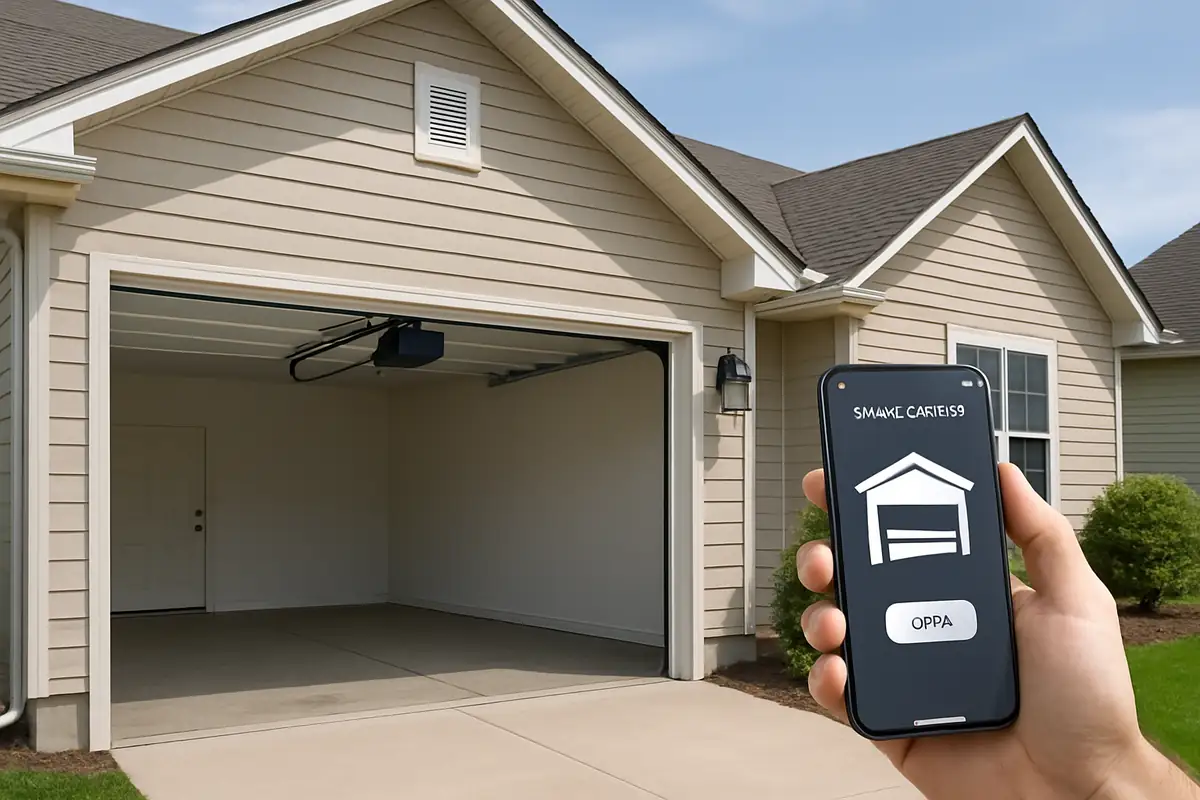
How to Program Your Garage Door Remote: A Complete Guide for Hayward Residents
Introduction
Have you ever fumbled around in your pockets or bags searching for your garage door remote, only to realize it’s not working? Programming your garage door remote can be a simple solution that not only saves time but also enhances the security of your home. At All Above Garage Door Repair in Hayward, CA, we understand the importance of a functioning garage door opener and are here to guide you through the programming process.
Why You Might Need to Program Your Garage Door Remote
There are several reasons why you might need to program your garage door remote:
- New Remote Control: You may have purchased a new remote to replace a lost or broken one.
- Changed Batteries: Sometimes, changing batteries can reset the remote’s settings.
- Security Updates: Reprogramming your remote can enhance your home's security.
- New Garage Door Opener: If you’ve installed a new garage door opener, your old remote may not be compatible.
Understanding Your Garage Door Remote
Before diving into the programming process, let’s understand the basic components of a garage door remote:
- Button Layout: Most remotes have one to four buttons, each programmed to a different garage door.
- LED Indicator: This light will usually blink to indicate a successful programming.
- Frequency: Remotes typically operate on a specific frequency that must match your garage door opener.
Steps to Program Your Garage Door Remote
Here’s a step-by-step guide to help you program your garage door remote successfully:
Step 1: Gather Necessary Tools
You will need:
- Your garage door remote
- The garage door opener unit
- A step ladder if needed
- Instructions specific to your remote model
Step 2: Locate the Learn Button
Most garage door openers have a Learn Button located on the back or side of the motor unit:
- Open your garage door and locate the motor unit, usually mounted on the ceiling.
- Find the Learn Button, often red, orange, or purple, depending on the brand.
Step 3: Clear Existing Programmed Remotes (if necessary)
If you’re reprogramming, you may need to clear previous codes:
- Press and hold the Learn Button until the LED light turns off (usually takes about 6 seconds).
- This will clear all previously programmed remotes.
Step 4: Program the New Remote
Now it’s time to program your new remote:
- Press and release the Learn Button on the opener. The indicator light will turn on.
- Within 30 seconds, press and hold the button on your remote that you wish to program.
- Release the button when the garage door starts to move or the LED light blinks.
- Test the remote to ensure it works. If it doesn’t, repeat the steps.
Step 5: Secure Your Remote
Once programmed, make sure to keep your remote secure:
- Store it in a designated place in your vehicle.
- Consider using a keychain remote for added convenience.
Troubleshooting Common Issues
If you encounter issues while programming your remote, here are some common solutions:
- Remote Not Working: Check the batteries and ensure they’re installed correctly.
- Door Doesn’t Open: Confirm you’re within the range of the garage door opener.
- LED Doesn’t Blink: Verify you’re pressing the correct button on the remote.
When to Call Professionals
Sometimes, despite your best efforts, programming issues can be complex. If you’re still having trouble, it may be time to call in the professionals. At All Above Garage Door Repair, our experienced technicians in Hayward, CA, can help with programming and diagnosing any issues with your garage door system.
Conclusion
Programming your garage door remote is a straightforward process that can enhance your home’s convenience and security. Remember to follow the steps outlined above, and if you find yourself needing assistance, don’t hesitate to reach out to All Above Garage Door Repair. We’re your local experts in Hayward, CA, ready to help you with all your garage door needs!
Contact Us
For professional assistance with your garage door remote or any other garage door issues, contact All Above Garage Door Repair today at (your contact number) or visit our website at (your website URL).
Explore More Resources
Related Articles
Our Services
Professional garage door repair, spring repair, opener installation and more. View all services →

Christina H.
View full profile
Garage Door Security: Protecting Your Home with All Above Garage Door Repair in Hayward, CA

Signs Your Garage Door Opener Needs Replacement | All Above Garage Door Repair