How to Program Your Garage Door Remote: A Complete Guide for Hayward Residents
Understanding Your Garage Door Remote
Your garage door remote is your gateway to convenience, allowing you to access your garage with ease. However, when it stops functioning or if you get a new remote, programming it can be crucial. Understanding the basics of your garage door opener and its remote will simplify the programming process.
Types of Garage Door Remotes
Garage door remotes come in various types, including:
- Single-Button Remotes: Simple devices to open and close your garage door.
- Multi-Button Remotes: Can control multiple garage doors or gates.
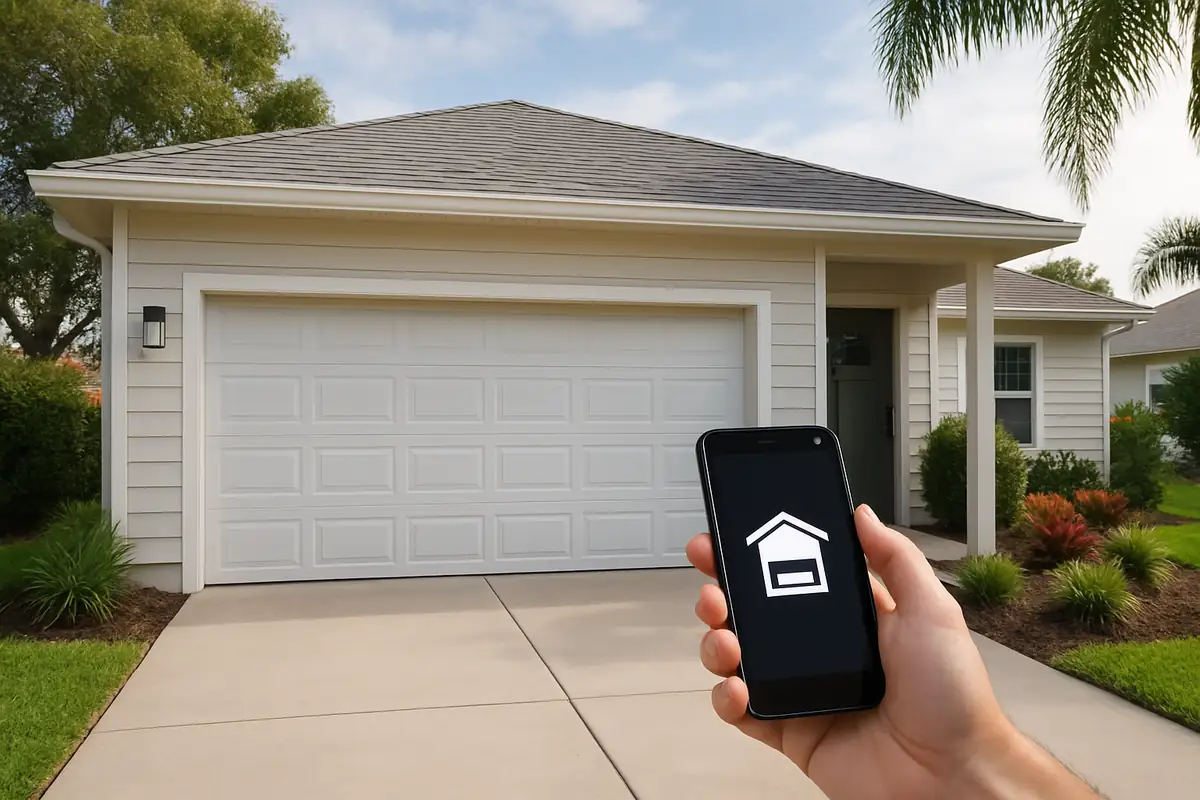
- Smart Remotes: Connect to your smartphone for remote access and monitoring.
Why You Might Need to Program Your Remote
There are several reasons why you may need to program your garage door remote:
- New Remote: If you purchase a new remote, it often requires programming to sync with your current garage door opener.
- Changing Batteries: Sometimes, replacing batteries may reset the remote's settings.
- Security Reasons: If you believe your remote has been compromised, you should reprogram it for safety.
How to Program Your Garage Door Remote
Follow these steps to program your garage door remote effectively:
Step 1: Gather Your Tools
Before starting, ensure you have:
- Your garage door opener manual
- A ladder (if necessary)
- Your new or existing garage door remote
Step 2: Locate the Learn Button
Most garage door openers have a learn button located on the back or side of the unit. It’s usually a small, colored button. You might need to remove a light cover to access it.
Step 3: Clear Old Codes (if necessary)
If you are worried about the security of your old remote, clear all existing codes by pressing and holding the learn button until the light on the unit turns off.
Step 4: Program the New Remote
- Press and release the learn button on the garage door opener.
- Within 30 seconds, press and hold the button on your remote that you want to program.
- The garage door opener lights will blink, indicating the remote has been successfully programmed.
Step 5: Test the Remote
Test the remote by pressing the button to open or close the garage door. Ensure it works smoothly before storing the remote away.
Common Issues and Troubleshooting
Even after following these steps, you might encounter issues. Here are some common problems:
- Remote Not Responding: Check the batteries and ensure they are placed correctly.
- Door Opens but Doesn't Close: The safety sensors might be misaligned; check them for obstruction.
- Remote Interference: Ensure there are no nearby electronic devices that might interfere with the signal.
Statistics and Facts
According to the International Door Association, nearly 70% of homes in the U.S. have a garage door opener, highlighting its importance in daily life. Moreover, smart garage door openers are becoming increasingly popular, with a projected growth rate of 10% annually.
When to Call the Professionals
If you encounter persistent issues or if the programming process seems too complex, it might be time to call in the experts. All Above Garage Door Repair in Hayward, CA, offers professional garage door services, including programming and repair. Our experienced technicians can help you resolve any issues quickly and effectively.
Conclusion: Take Control of Your Garage Door
Programming your garage door remote can save you time and frustration, enhancing your convenience and security. By following the steps outlined in this guide, you can easily manage your garage door access. And remember, whenever you need assistance, All Above Garage Door Repair is just a call away!
Ready to have your garage door professionally serviced? Contact All Above Garage Door Repair today for all your garage door repair needs in Hayward, CA!
Explore More Resources
Related Articles
Our Services
Professional garage door repair, spring repair, opener installation and more. View all services →